




Free Soundboard App for Discord, Games & More
Get creative with our free soundboard app. Customise it with unique sound effects that reflect your style — and drop them into any game, call, or stream.
Join 10M+ creators, gamers, and streamers worldwide
Reviewed & Trusted By
Overview
Add your favourite custom sounds
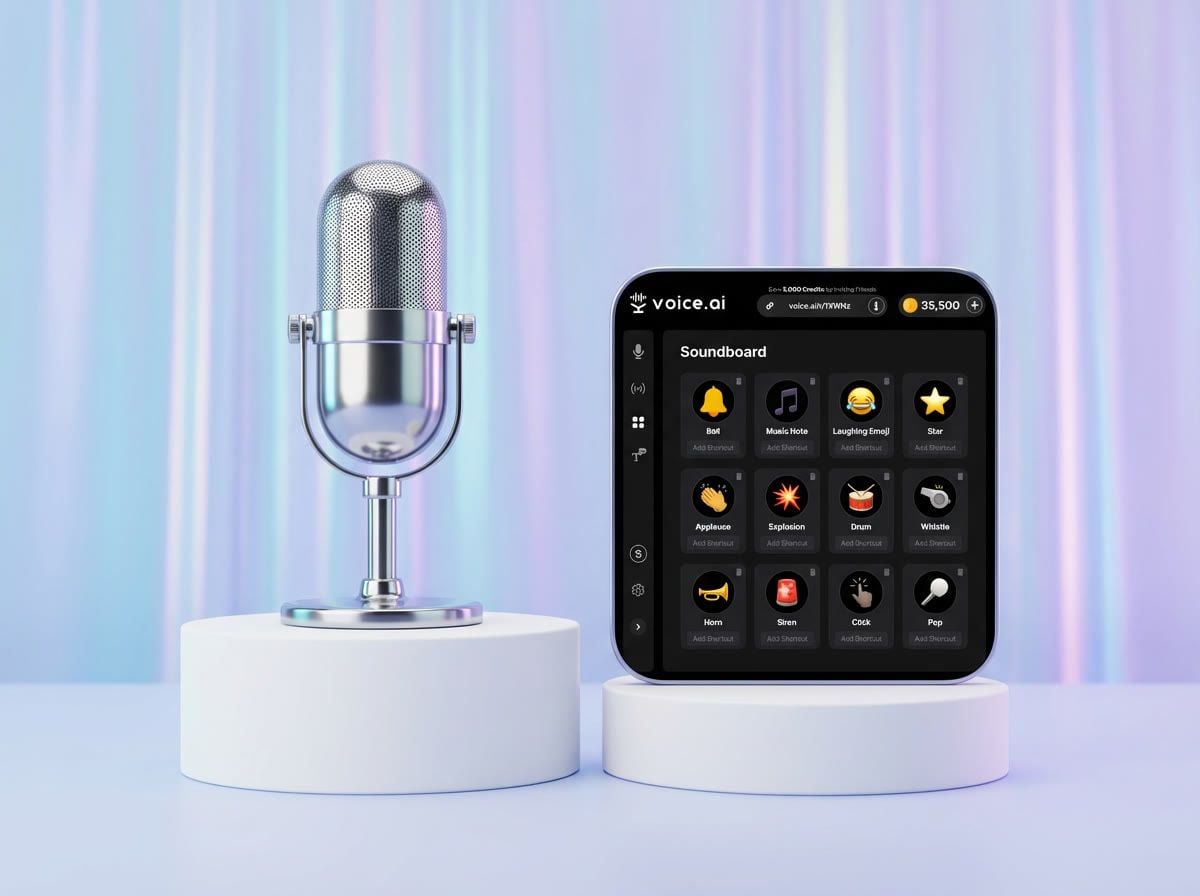
Fuel your creativity and add a dash of enjoyment to your digital interactions with Voice.ai's soundboard. Effortlessly design your own soundboard featuring your favorite sound effects, music clips, and voice recordings. Whether you're chatting on Discord, gaming online, or just looking for some entertainment, our soundboard offers a practical way to leave your mark.
A soundboard app lets you record, store, and play back short audio clips on demand — sound effects, music, voice recordings, even snippets of songs. Use it to prank your friends, add personality to presentations, or create funny sound effects for your stream. We think this is the best free soundboard for your needs.
Setup
How to set up Voice.ai's soundboard
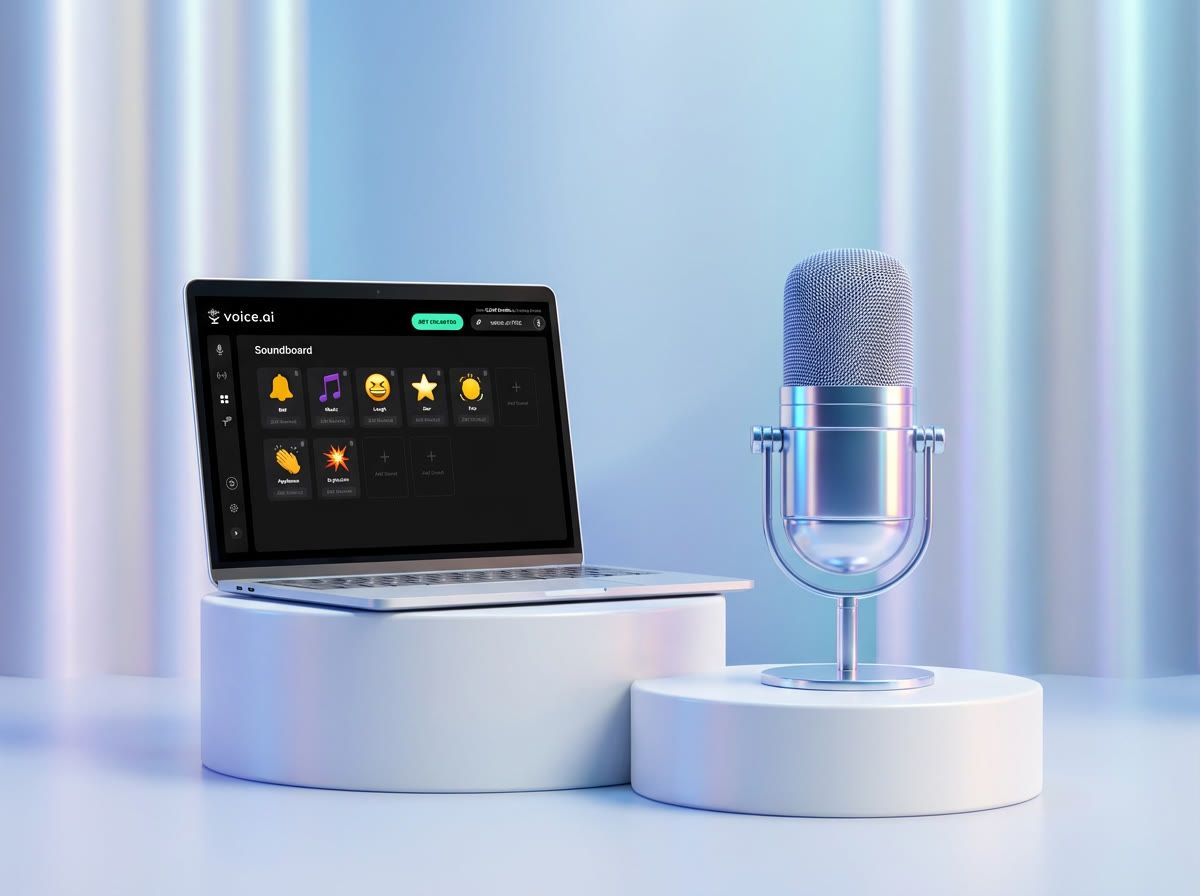
Step 1: Download the Voice.ai app and create your free account.
Step 2: Locate and click on the Soundboard feature in the left-hand navigation of the app.
Step 3: Add your favorite sounds by recording directly, or uploading audio files up to 30 seconds each in MP3 or WAV.
Step 4: Arrange your chosen sounds into the perfect soundboard layout — then play them live during any call, game, or stream.
Daily Communication
Use the soundboard in your daily communication
Soundboards are a fun, creative way to add personality to every conversation. Whether you're chatting with friends, giving a presentation, podcasting, or just want to have some fun, the soundboard is always within reach.
Once you've built your soundboard, use it to amp up your Discord conversations with hilarious sound effects, add a playful touch when celebrating victories or consoling friends after a gaming match, and infuse humor into your podcast recordings with the perfect sound clip. Get ready to elevate your audio experiences with Voice.ai's versatile soundboard.
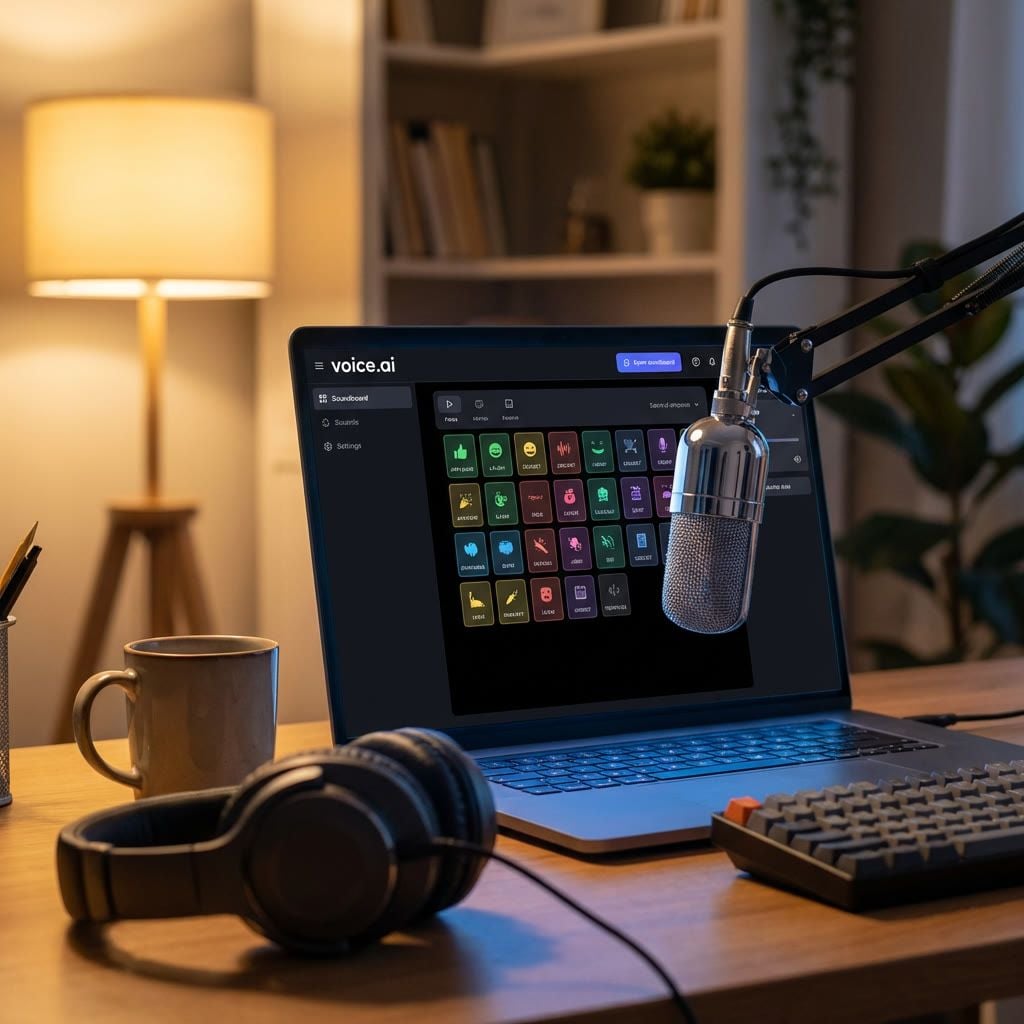
A few ways to use soundboards every day
From streams to Zoom calls — soundboards bring a bit of personality everywhere you go.


Meetings & Presentations
Enhance your presentations with impactful audio. Emphasize key points on Zoom, Google Meet, or Skype — clever soundboards make any meeting more memorable.
Get Creative
Get creative with the best free soundboard for Windows
Shape your soundboard to match your vibe. Use your own audio files or pair it with our voice-changing app to record your voice with a twist. Choose from a universe of user-generated voices — politicians, celebrities, classic cartoons — you've got options.
Upload up to 30 seconds of audio in user-friendly formats like MP3 or WAV, making your soundboard truly one-of-a-kind. No need for extra devices — just download the app, create, and watch your soundboard transform into a channel of entertainment. Whether you're into gaming, streaming, or video calls on Zoom and Skype, our free soundboard is the one thing you need.
Feeling bored with your current sounds? No problem — remove and replace them whenever you want. Make a new soundboard for a new moment.
Everything built into the Voice.ai soundboard
A soundboard, a voice changer, and a voice library — all in one free app.
Custom Soundboard Grid
Record in 30 Seconds
Upload MP3 or WAV
Real-Time Voice Changer
Voice Universe Library
One-Click Play
Works With Every App
More Features
More features, more options with Voice.ai
Voice.ai offers more than just our free PC soundboard. You also gain access to our real-time AI voice changer, audio editing tools, and Voice Universe — a library of thousands of user-generated AI voices.
Play around with our real-time voice changer to add a cool twist to your conversations. Fine-tune your audio masterpieces with precision using our audio editing tools, making sure each sound hits the mark. And when you're ready to explore, jump into the Voice Universe where countless user-generated voices are waiting for you.
Voice.ai isn't just a soundboard — it's your go-to for a total audio experience.
Frequently asked questions
Everything you might want to know about the Voice.ai soundboard.
Is this a free soundboard for Discord?
What audio formats can I upload?
Do I need anything else to use the soundboard?
Is this an online soundboard?
Does the soundboard work with Zoom, OBS and other apps?
What games and apps is the soundboard supported on?
Works with every game, call, and chat that accepts a microphone.



















Ready to build your soundboard?
Download Voice.ai and start dropping the perfect sound at the perfect moment — free.